Know what your users did, and ask why.
Privacy-friendly analytics for apps and sites: journeys, goals, errors and revenue, with an assistant and a CLI that speak your data.
It's a waitlist for now: we keep your Google name and email to tell you when it opens. By continuing you agree to the Terms and Privacy Policy.
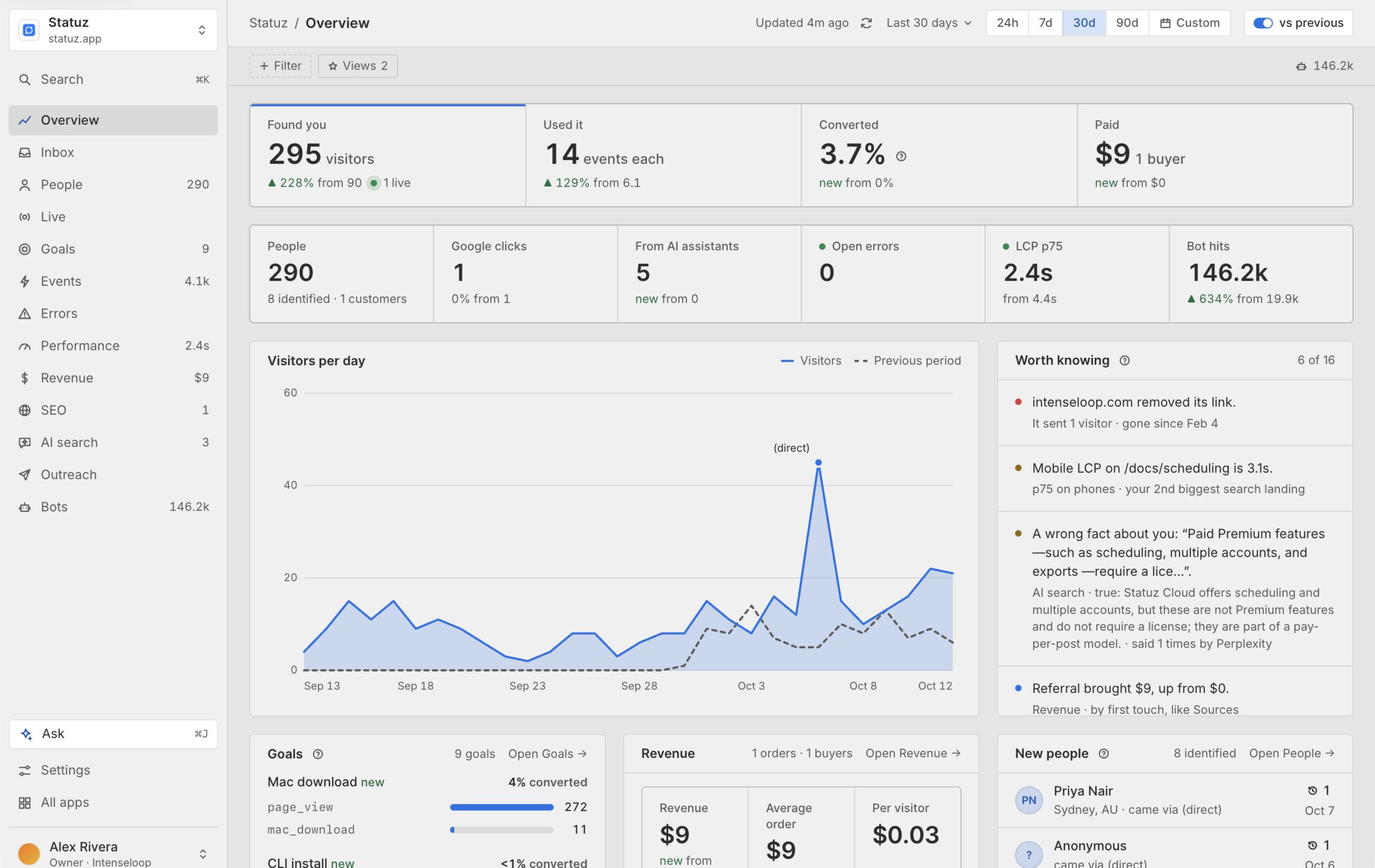
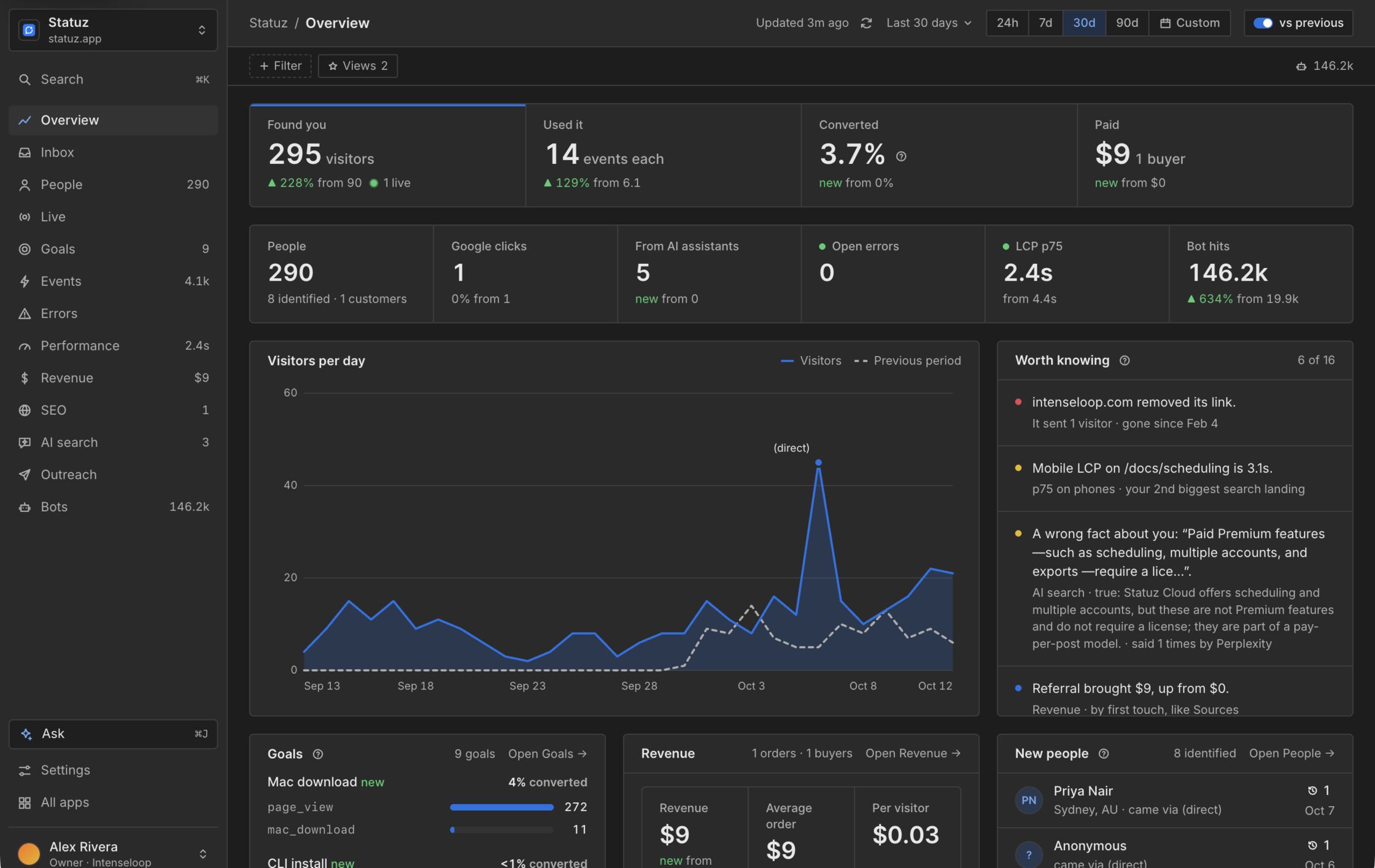
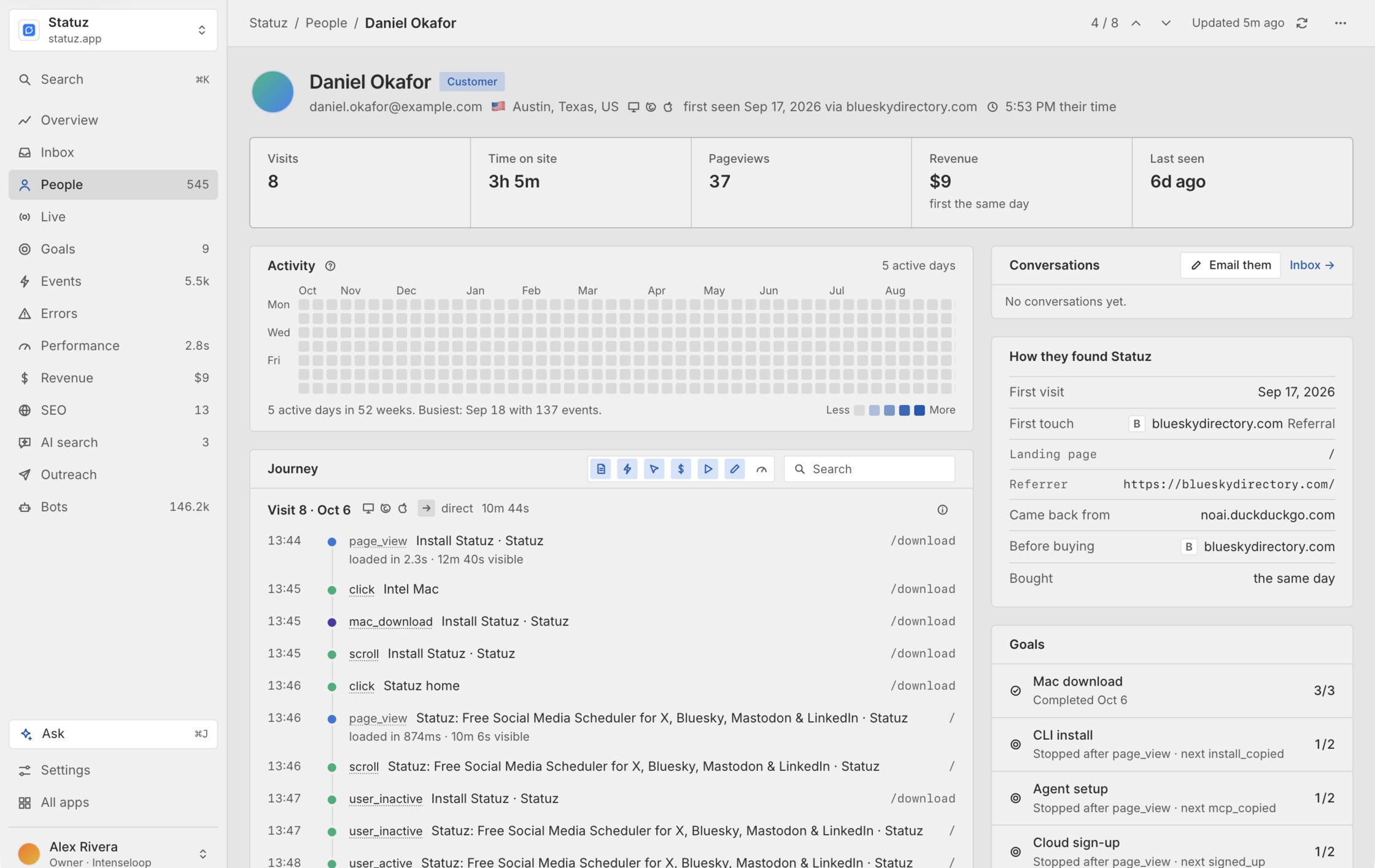
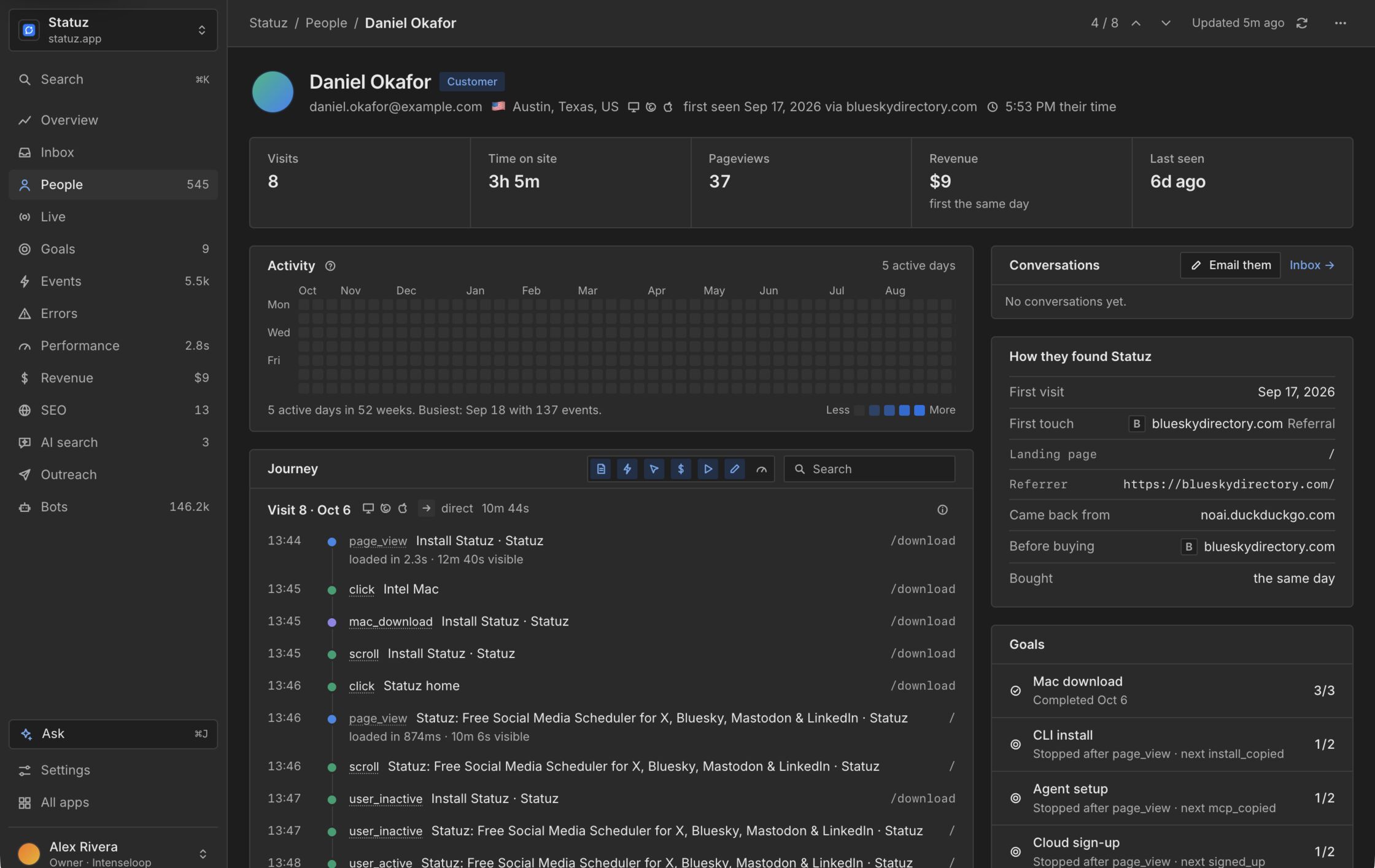
Every visitor, from first source to purchase.
One timeline per person: where they came from, every visit and event, the goals they reached and what they paid. Their devices merge into one person once they sign in.
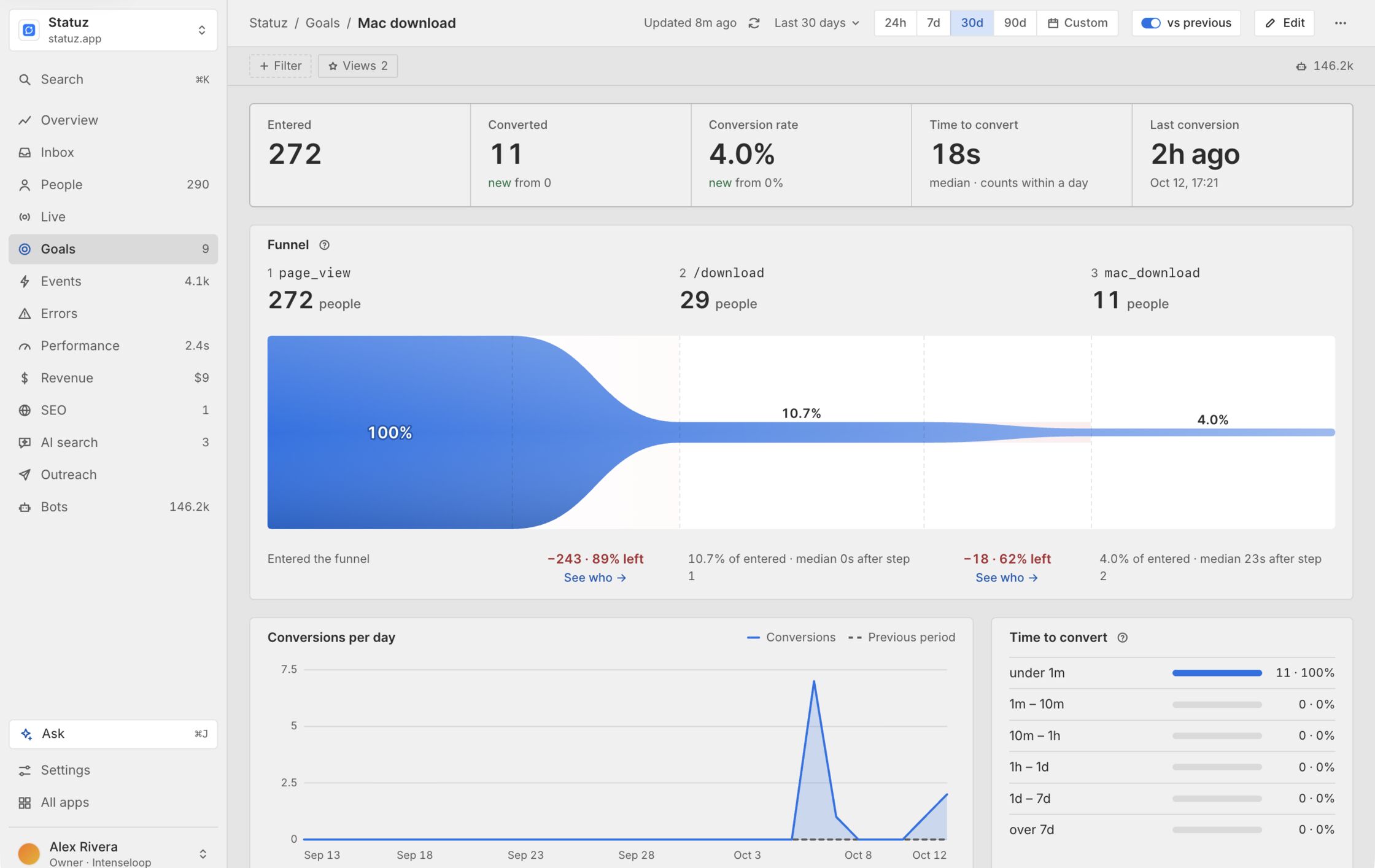
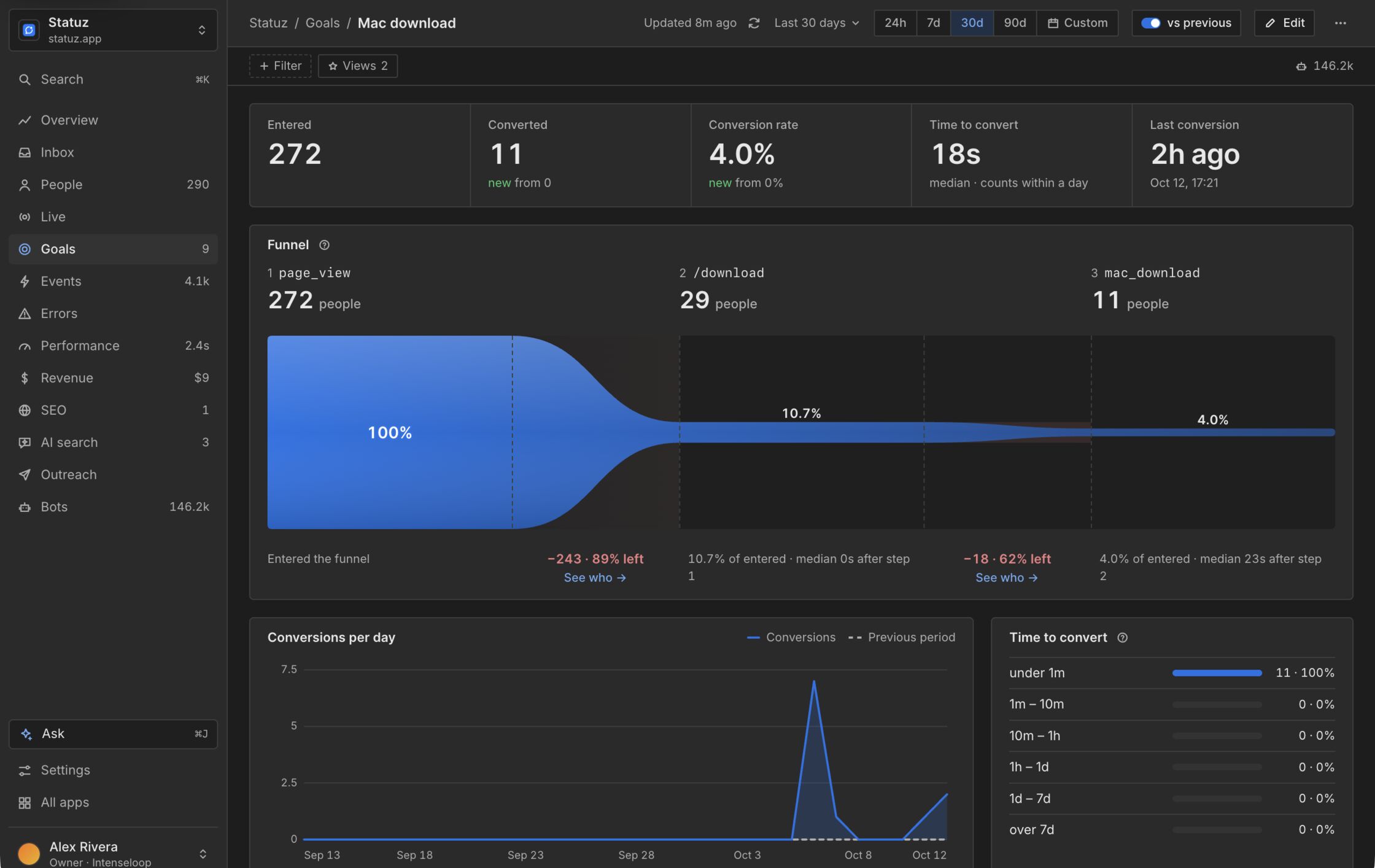
See the step where people leave.
Build a funnel from pages and events. Each step shows how many made it, who left after it and how long converting took.
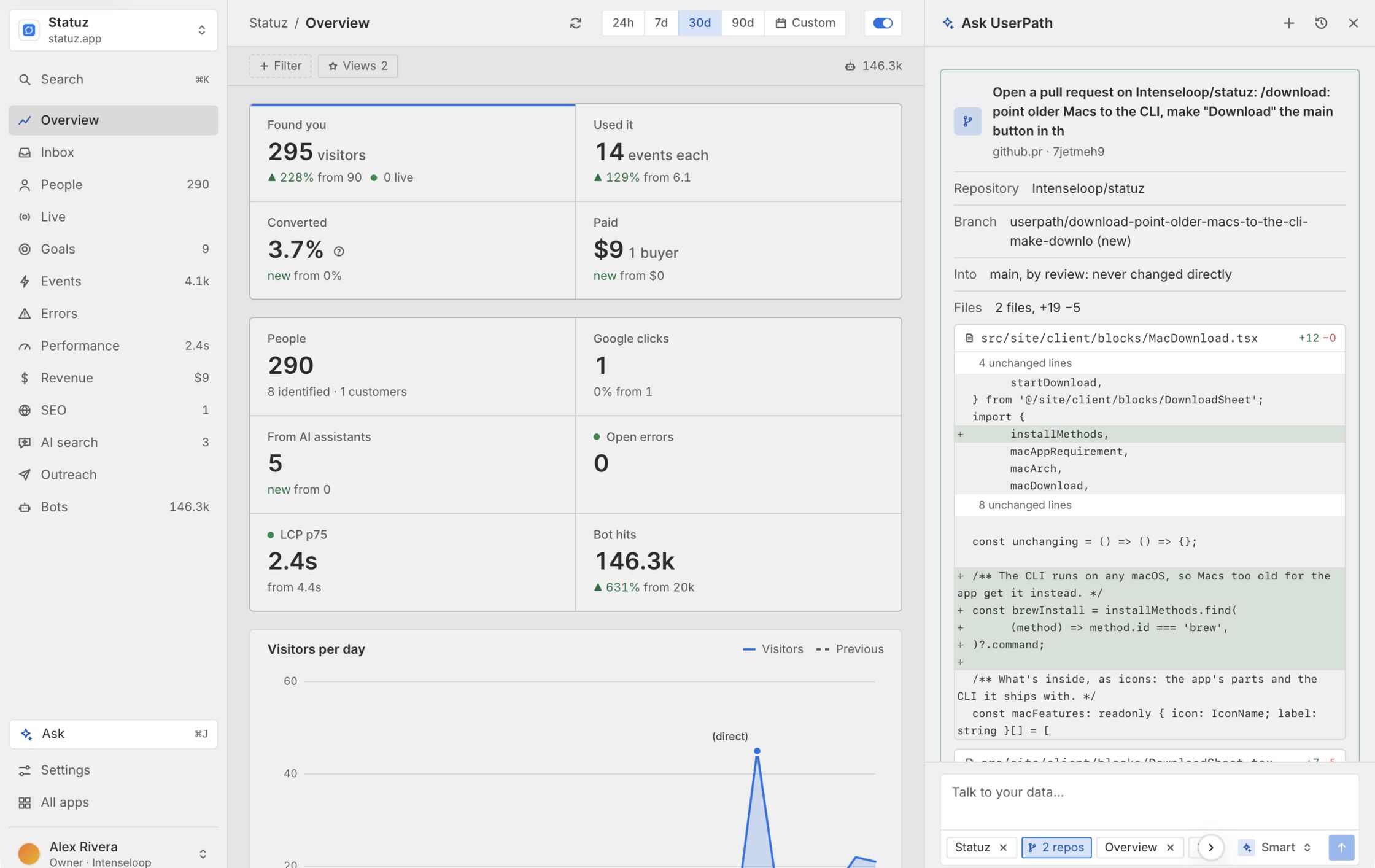
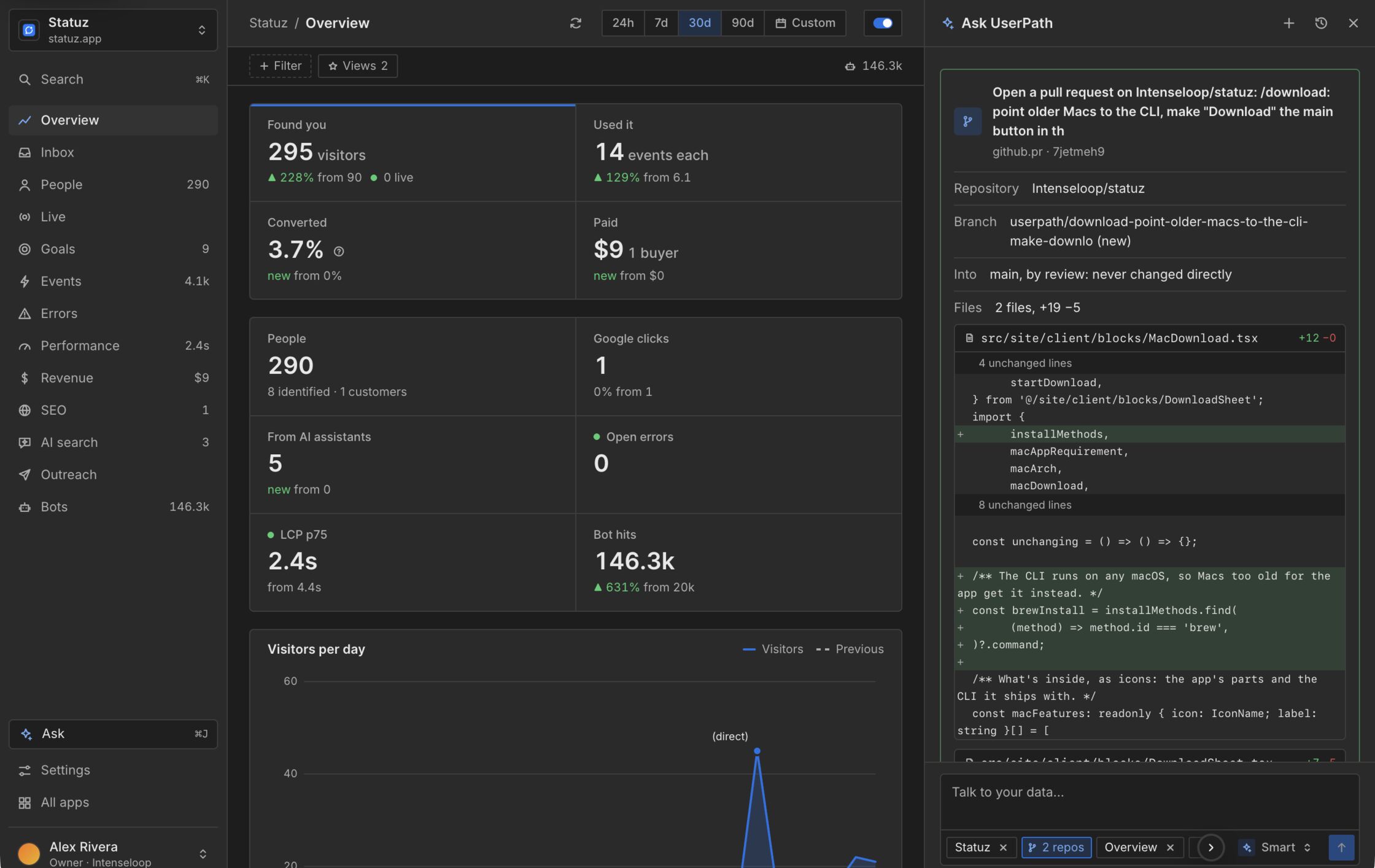
Ask why, and get the fix as a pull request.
Ask reads your numbers and, with GitHub connected, your code. It answers with tables and charts and suggests changes as cards, like a goal to update or a pull request to open. Nothing changes until you press the button.
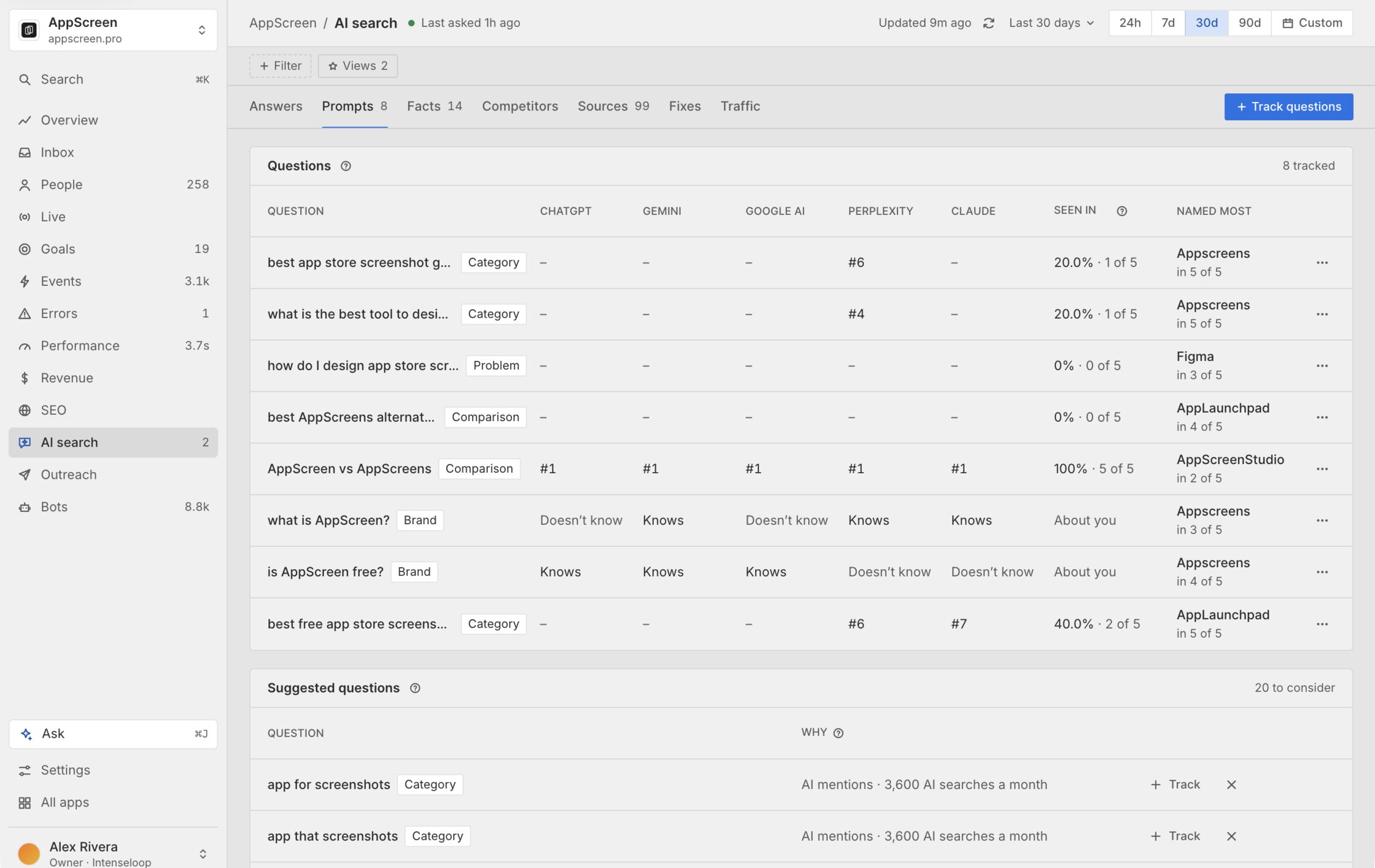
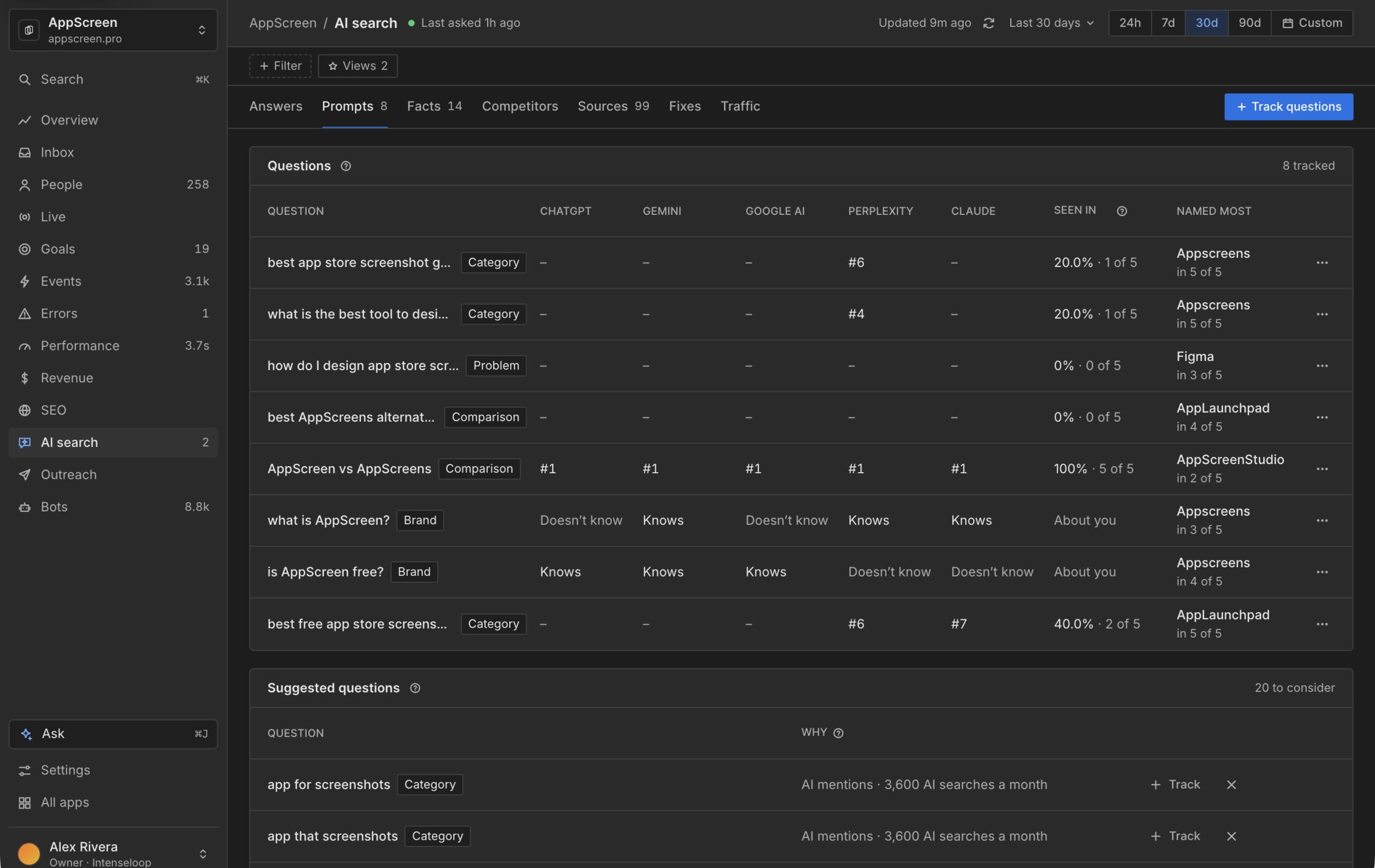
Find out what AI answers say about you.
Track the questions your buyers ask ChatGPT, Gemini, Google AI, Perplexity and Claude. See where each one names you, who it names instead and which pages it cites.
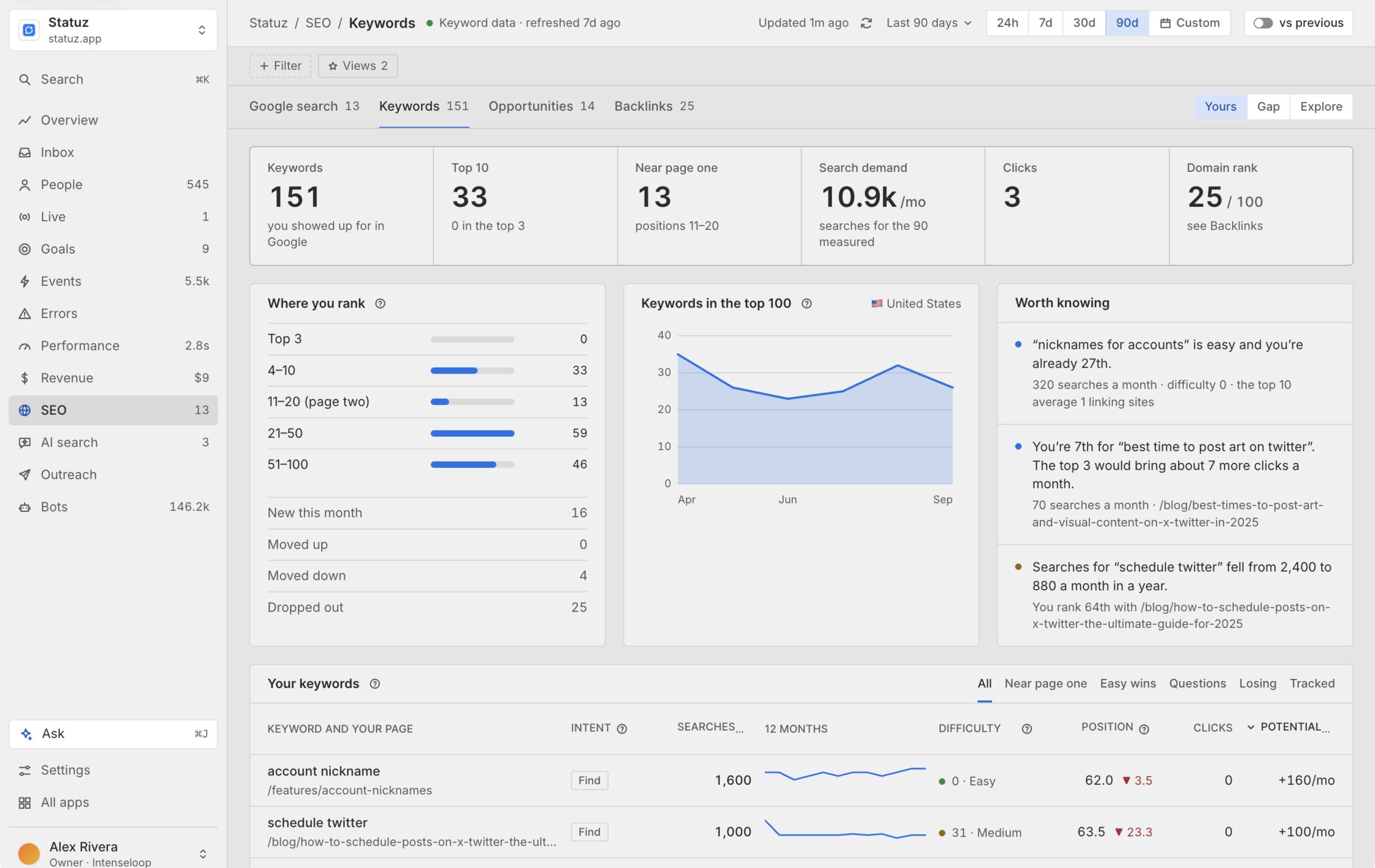
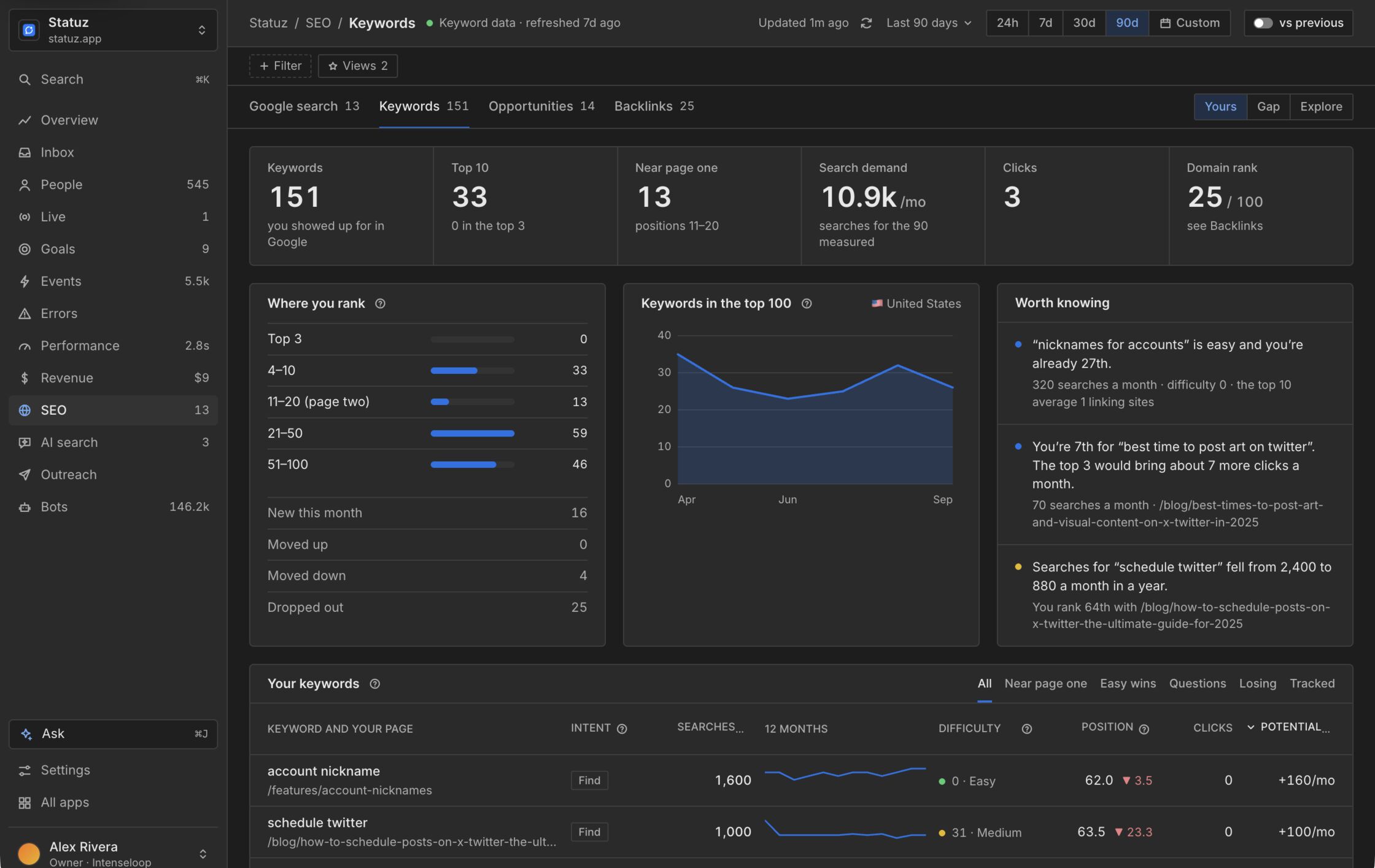
Search Console, keywords and backlinks in one place.
Rankings, search demand and referring domains, next to the visitors and revenue they bring. Worth knowing lists the keywords where a few places would pay off.
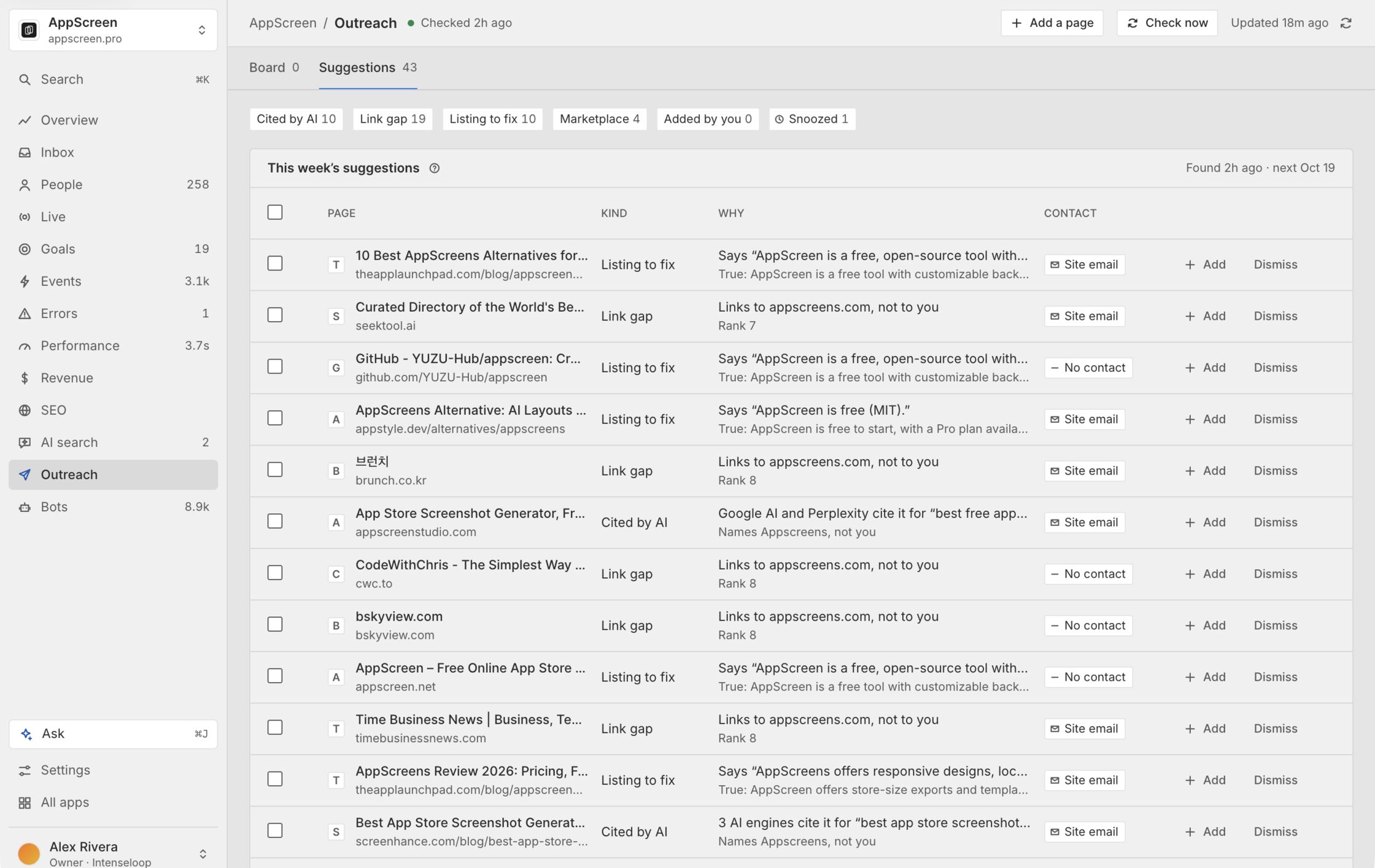
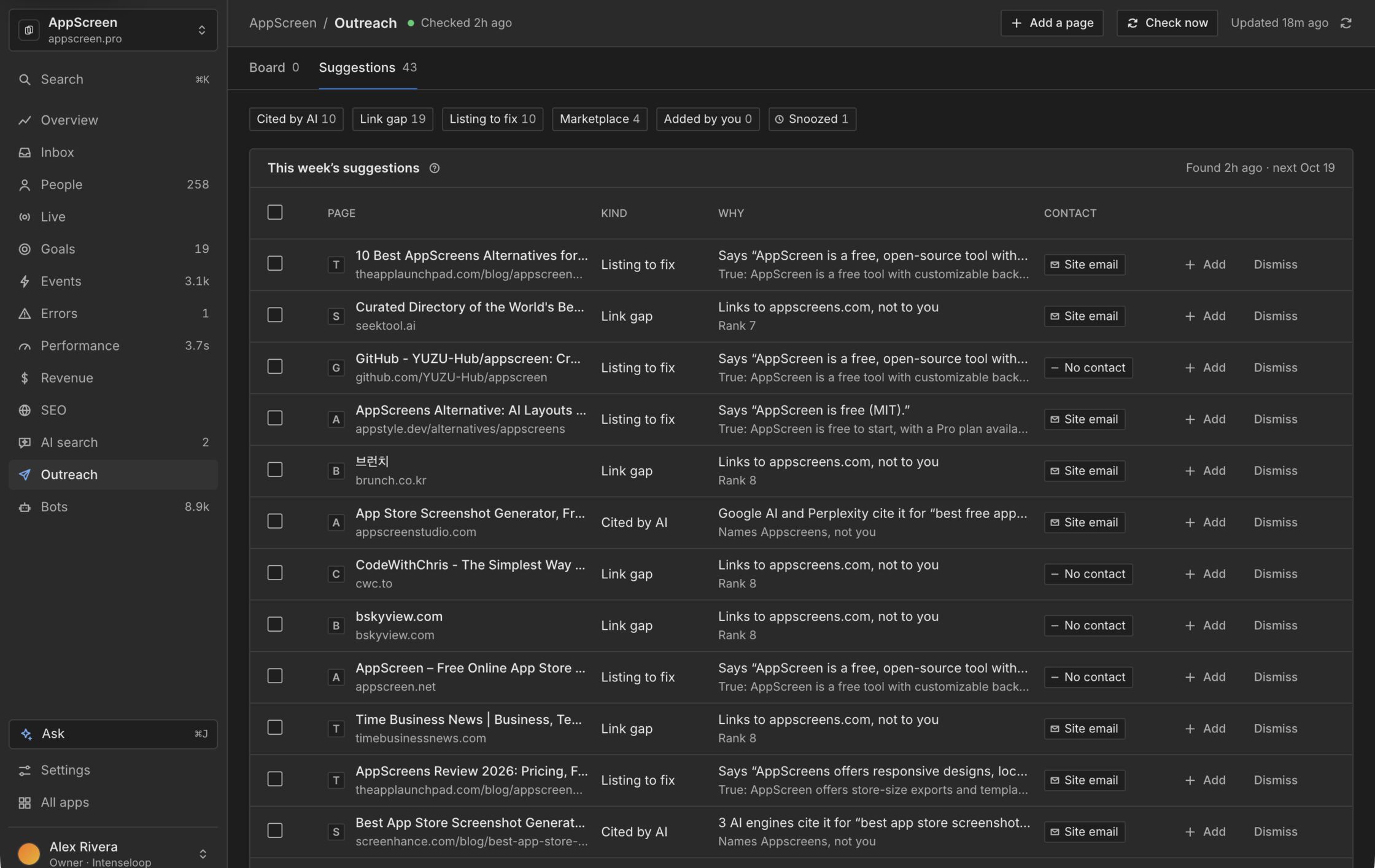
A weekly list of pages worth being on.
Pages AI answers cite, sites that link to competitors and listings that get you wrong, with a contact when the site has one. Emails go out from your own mailbox with the unsubscribe link and your address in the footer.
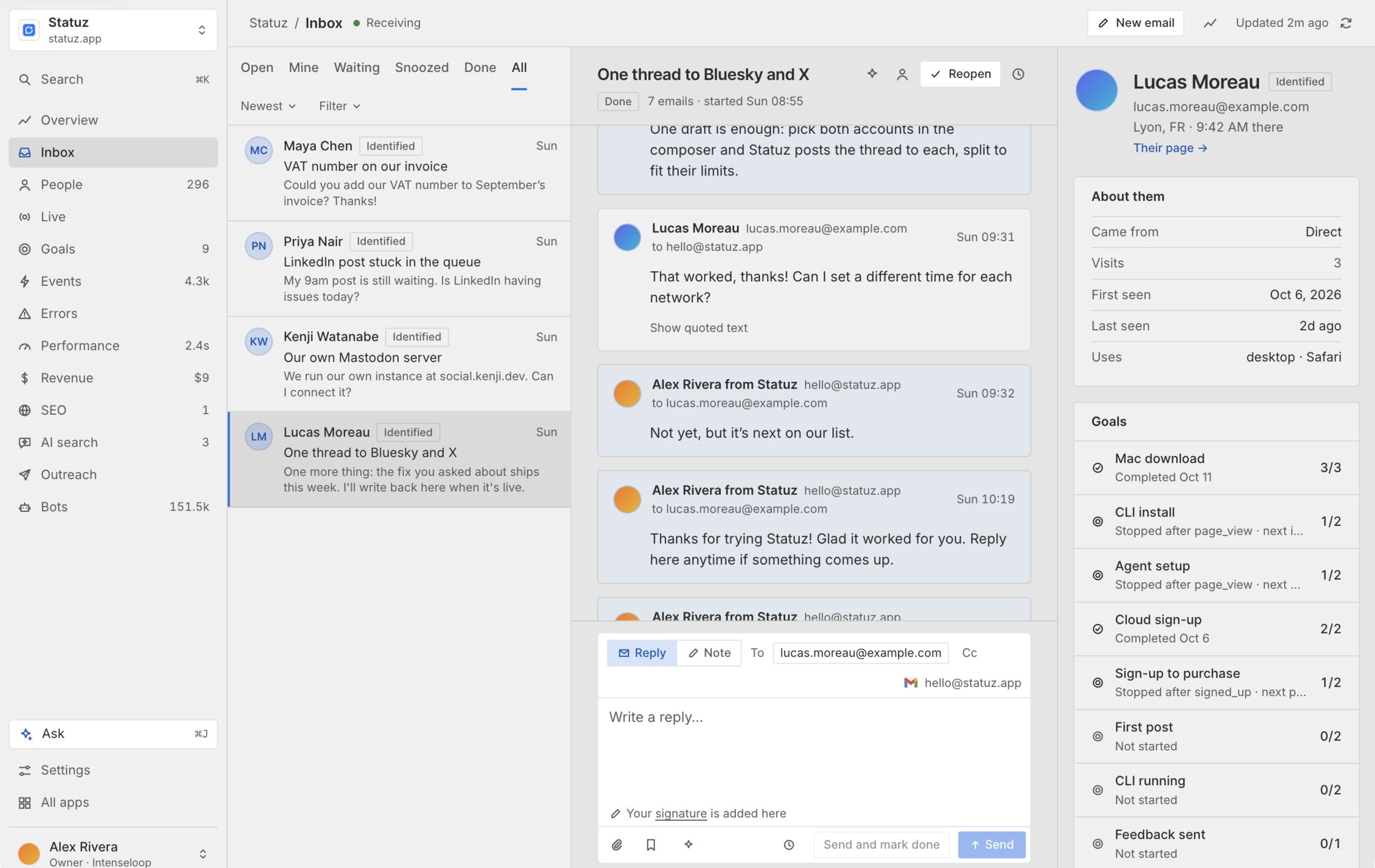
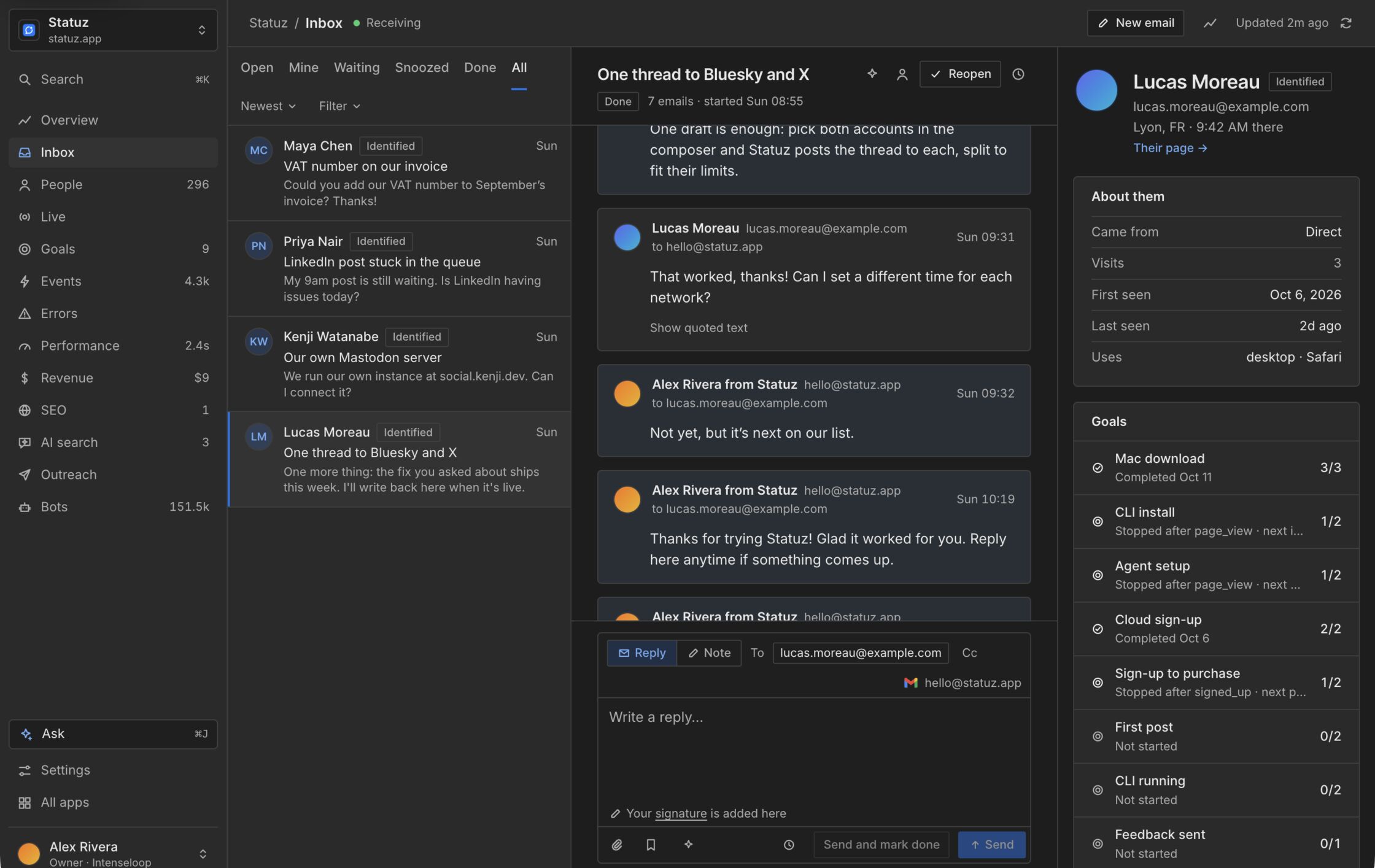
Your users' emails, next to what they did.
Forward your support address and every thread shows the sender's visits, goals and journey. Ask drafts the reply. You decide what goes out.
And the rest.
Every screen runs on the same commands as the CLI and MCP.
Live
Who's on your site right now, and each event as it lands.
Errors
JavaScript errors in your own source, from the source maps your deploy uploads, with the people they hit.
Performance
Web vitals from real visits, per page and device, and what to fix first.
Revenue
Orders and buyers, credited to the source that brought them.
Bots on their own screen
Humans stay clean. See which AI crawlers read your site, and what they read.
Routines
Put a question to Ask on a schedule and get the answer by email, like a summary every Monday.
Your agents get what you get.
Sign in once with npx userpath login and read any report from your terminal. MCP clients get one tool per command.
$ npx userpath login
$ userpath stats overview --period 30d
visitors   4,812   ▲ 18%
revenue    $1,204  ▲ 9%
live now   7
Join the waitlist
We'll email you when it opens.
It's a waitlist for now: we keep your Google name and email to tell you when it opens. By continuing you agree to the Terms and Privacy Policy.